
Webtrix24 CRM allows users to create an account, verify their identity, and set up a workspace based on their business requirements. During registration, users can choose the CRM solution that best fits their organization.
Account Registration Process
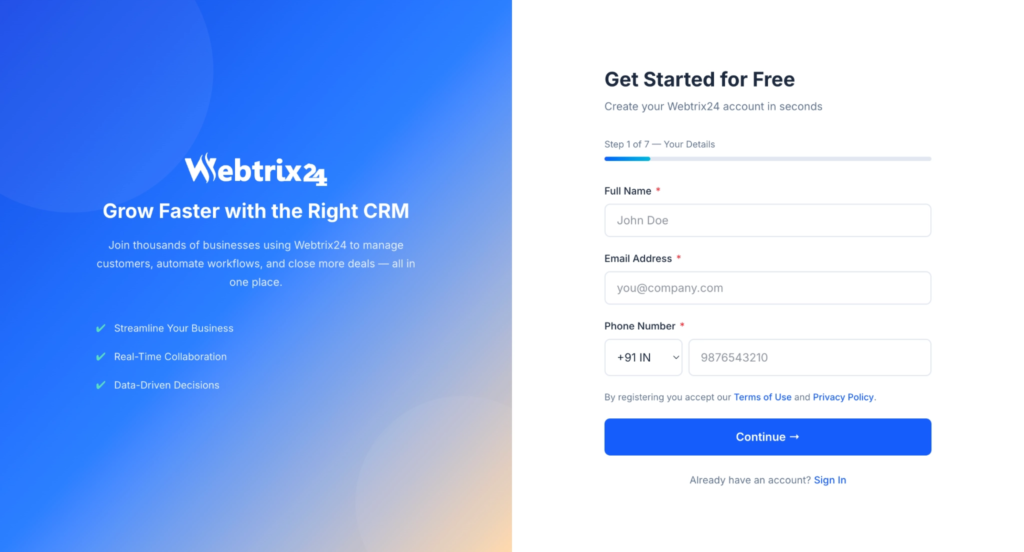
Follow these steps to create a new account:
- Open the Webtrix24 registration page.
- Enter the required information:
- Full Name
- Email Address
- Phone Number
- Click Continue.
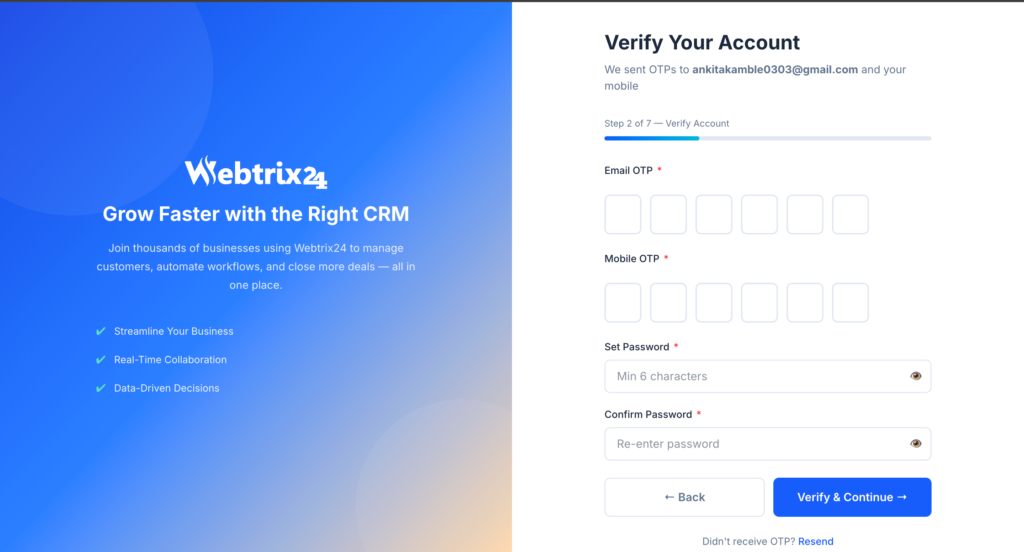
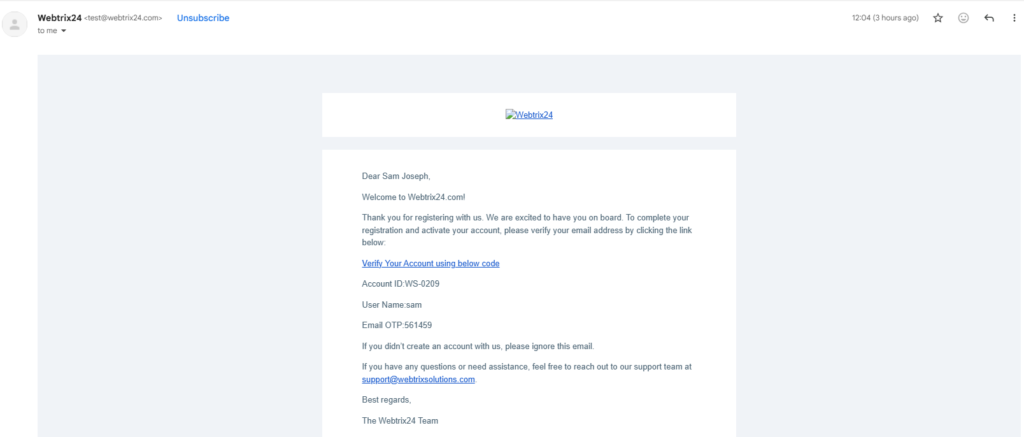
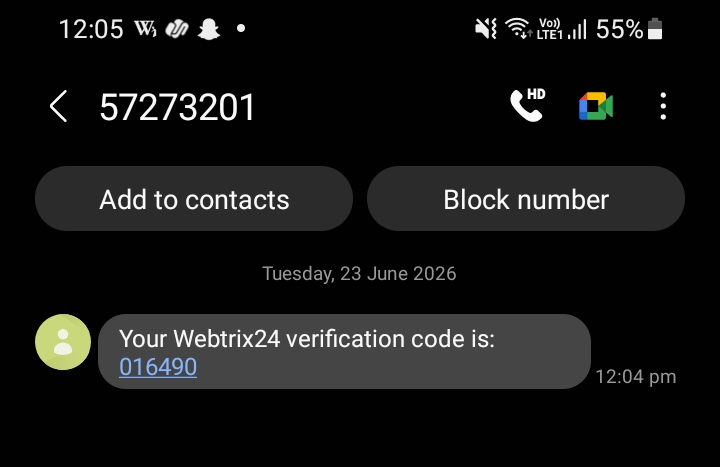
- Complete OTP verification.
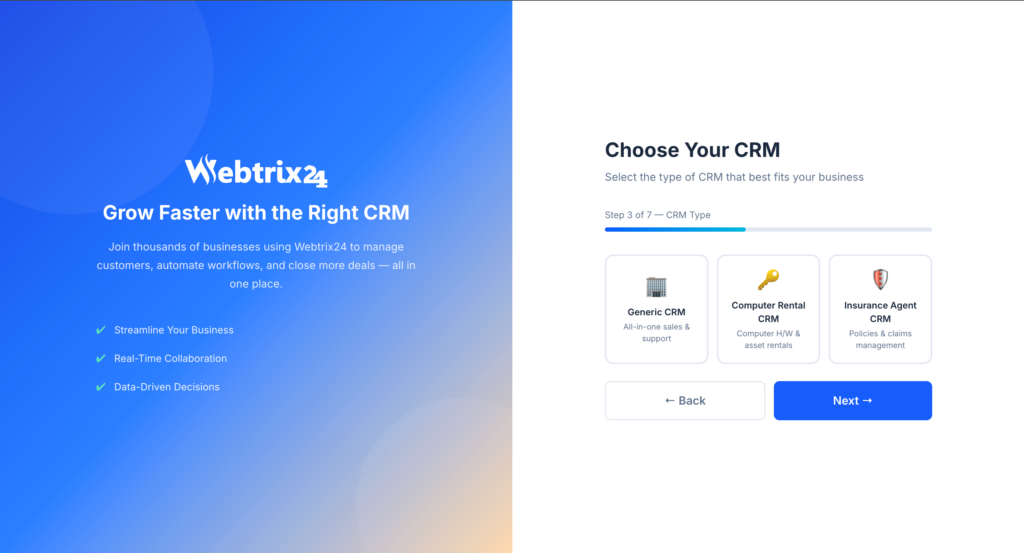
- Select the required CRM solution.
- Complete the setup process.
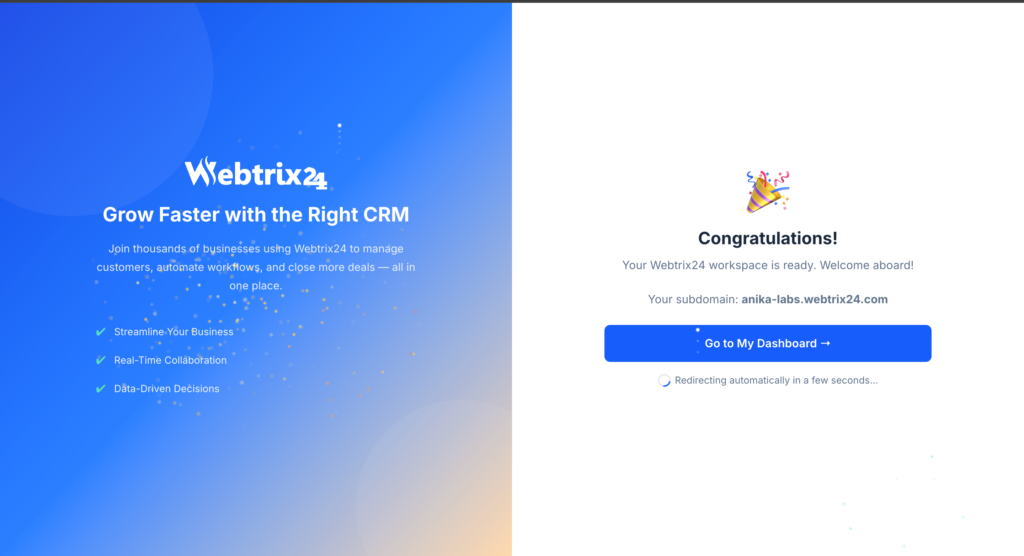
After successful registration, the system creates a workspace and redirects the user to the dashboard.
Available CRM Solutions
Users can choose from different CRM solutions based on their business requirements.
Core CRM
Suitable for organizations that need customer relationship management, sales tracking, task management, and business operations.
Rental CRM
Designed for rental businesses to manage inventory, deliveries, invoices, and rental operations.
Insurance CRM
Designed for insurance agencies to manage policies, customers, renewals, commissions, and related activities.
Workspace Creation
After successful registration and verification, the system automatically creates a dedicated workspace for the selected CRM solution.
The workspace provides access to all modules and features available within the chosen solution.
Step 1: Create Your Webtrix24 Account
Step 2:Verify Your Account
Email OTP and Mobile OTP Verification
Step 3:Choose Your CRM
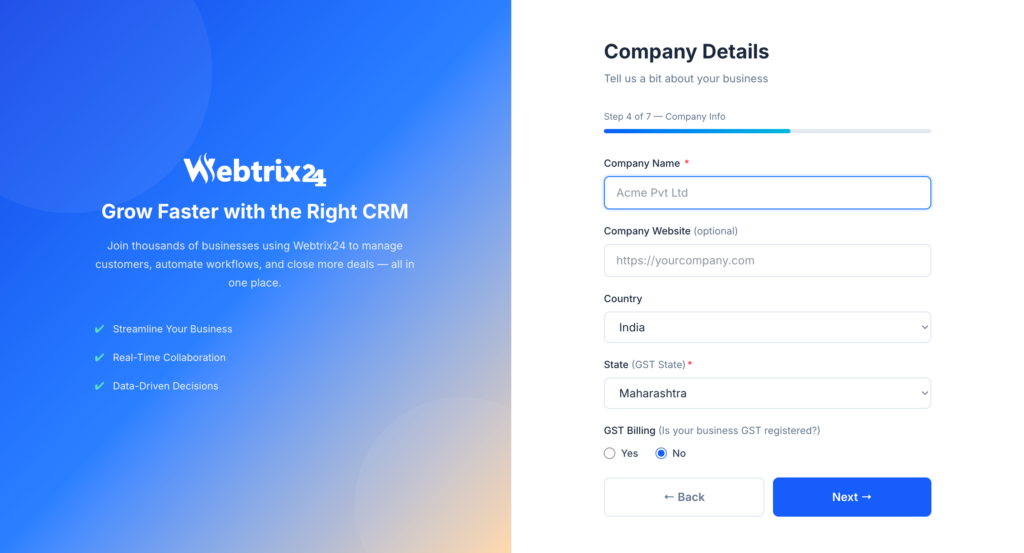
step 4:Enter Your Company Details
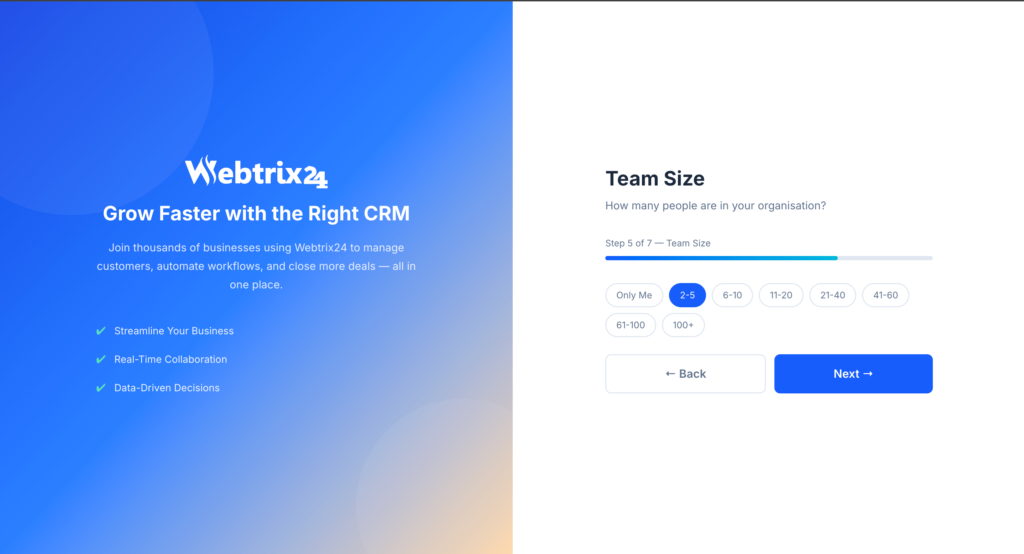
step5:Select Your Team Size
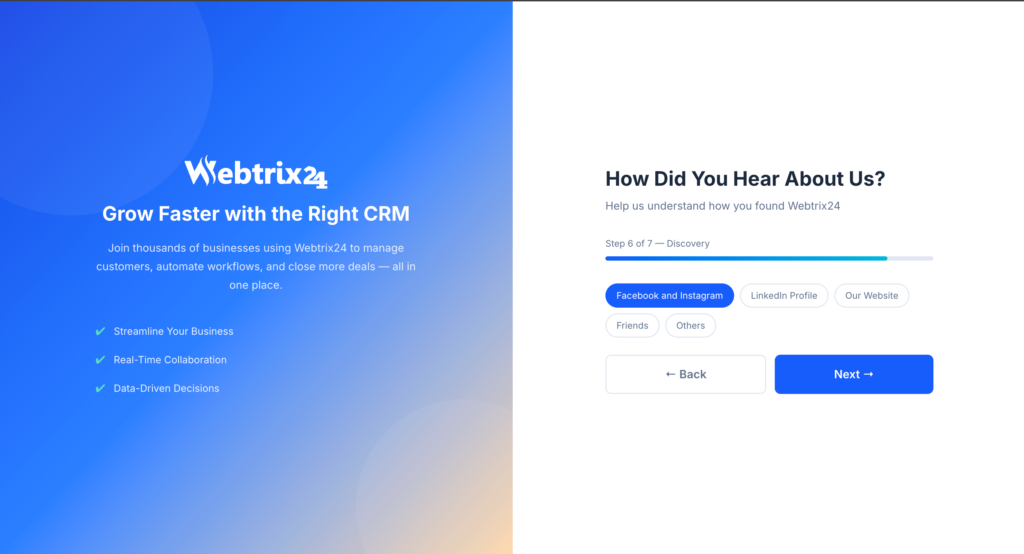
step 6:Tell Us How You Heard About Webtrix24
step7:Upload Your Company Logo

Workspace Created Successfully

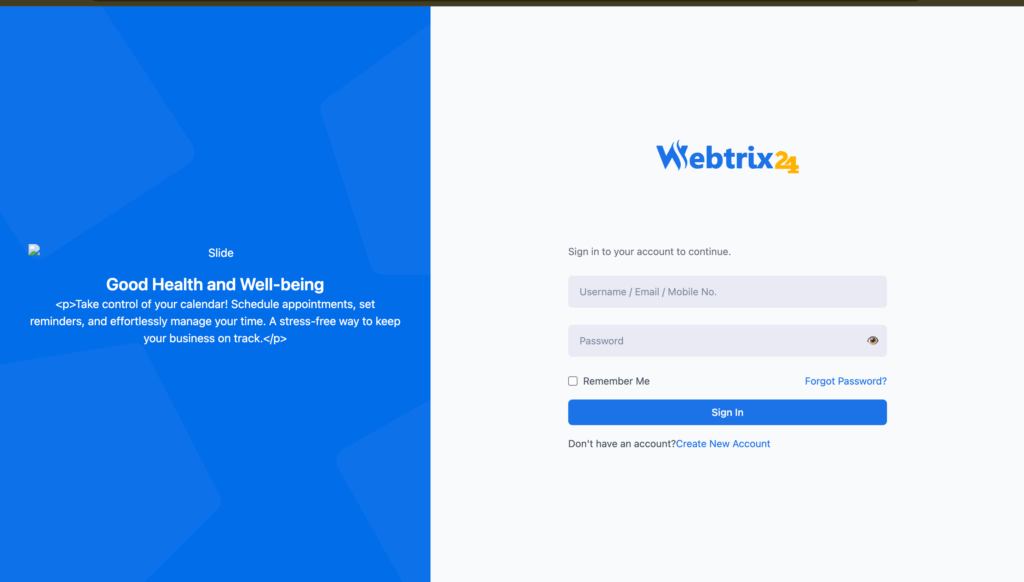
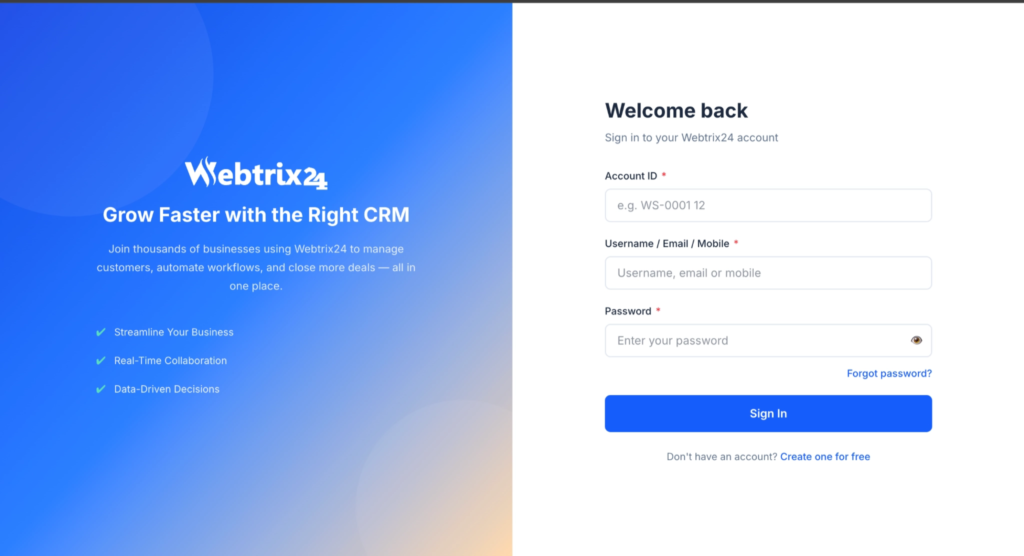
Sign In Using Your Account ID
Frequently Asked Questions
Do I need to verify my account during registration?
Yes. OTP verification is required to complete the registration process.
Can I choose different CRM solutions during registration?
Yes. Users can select the CRM solution that best matches their business requirements.
What happens after registration?
After successful registration, the system creates a dedicated workspace and redirects the user to the dashboard.
Is a separate workspace created for each CRM solution?
Yes. The selected CRM solution is configured within the newly created workspace during setup.
Can I start using the CRM immediately after registration?
Yes. Once registration and workspace creation are complete, users can access the dashboard and start using the CRM.